Introduction
jar’s extensive userbase and collection of content can be used to automatically post them to your server channels. This guide will show you how to set up autoposters for various content types.Setting up an autoposter
To set up an autoposter, you’ll need to pick which content type you want to post and the channel you want to post it to. Type in this command to bring up the options and the channel you want to post to.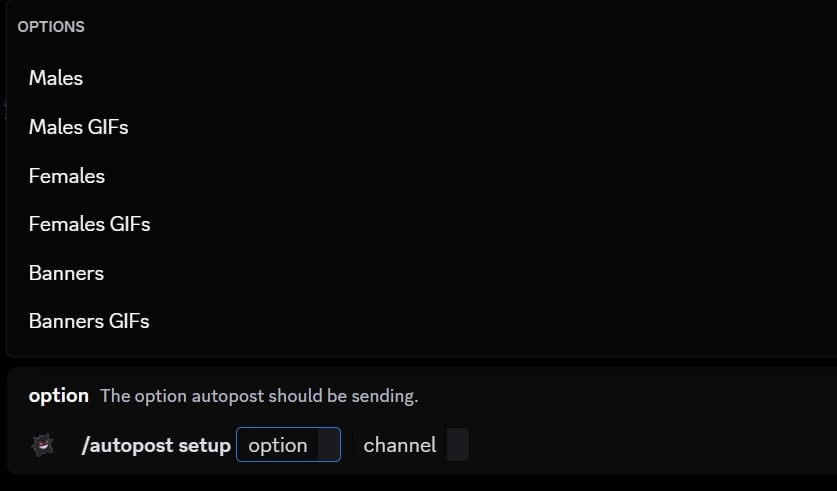
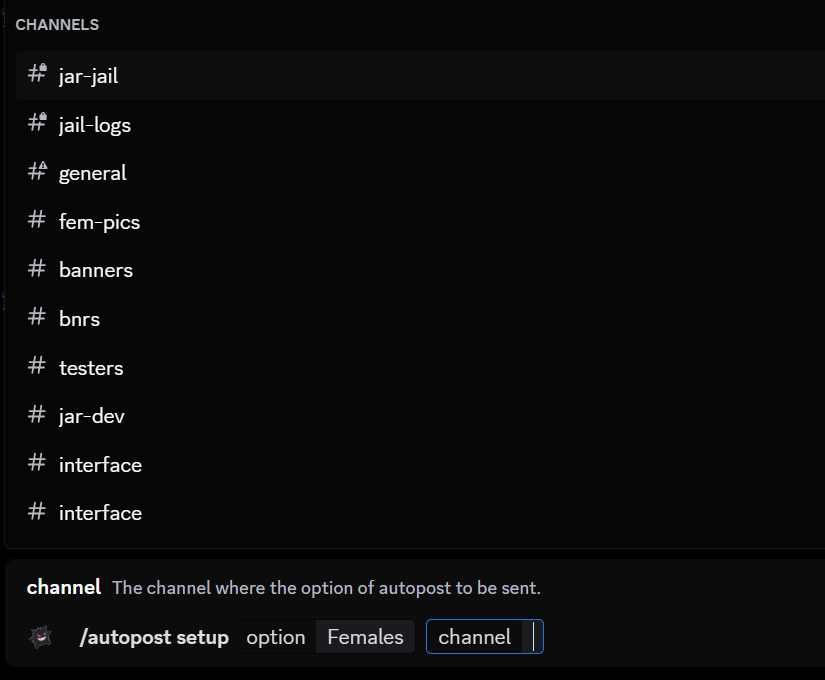

Please read the success message carefully, because it tells you when it will post next.
Removing an autoposter
To remove an autoposter, type in this command to bring up the option that you want to remove.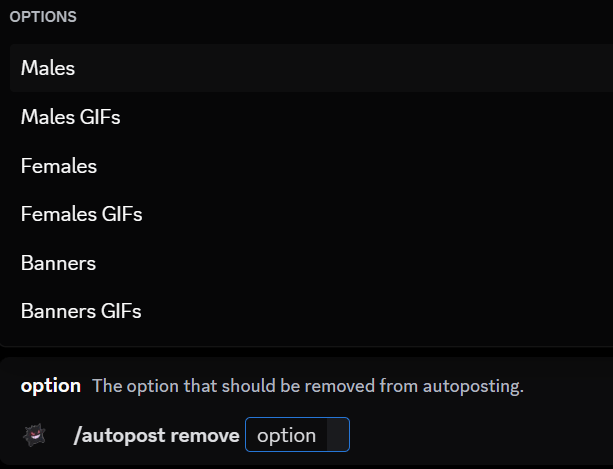

Checking autoposter channels
To check the channels that have autoposters set up, type in this command.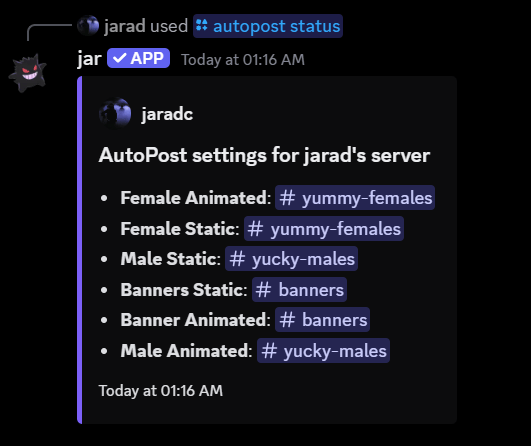
Resetting all autoposters
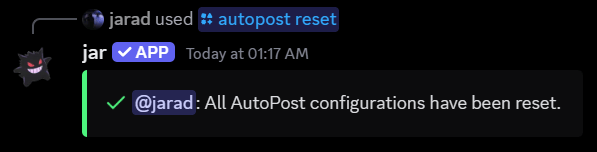
To reset all autoposters, type in this command.