Introduction
jar can ghost ping (ping then delete) users in selected channels when they join your server. This can be useful for directing users to important channels.Setting up ping-on-join
To setup a ping-on-join, simply use thepingonjoin setup command.

After the setup is complete, the first step is to enable the ping-on-join system.
This isn’t enabled by default to prevent accidental pings.
Toggling the ping-on-join system
To toggle the ping-on-join system, simply use thepingonjoin toggle command.
You should see a confirmation message after running the command.


Viewing the ping-on-join settings
To view the ping-on-join settings, simply use thepingonjoin command. This will show you all the channels you’ve set up to ping.

Adding a channel to ping
To add a channel to ping, simply use thepingonjoin add command, followed by the channel you’d like to ping.

Testing the ping-on-join system
To test the ping-on-join system, simply use thepingonjoin test command.
This will ping you in all the channels you’ve set up, and delete its message after 5 seconds.
jar will react to your message once this process is complete.

Removing a channel to ping
To remove a channel to ping, simply use thepingonjoin remove command, followed by the channel you’d like to remove.

Resetting the ping-on-join system
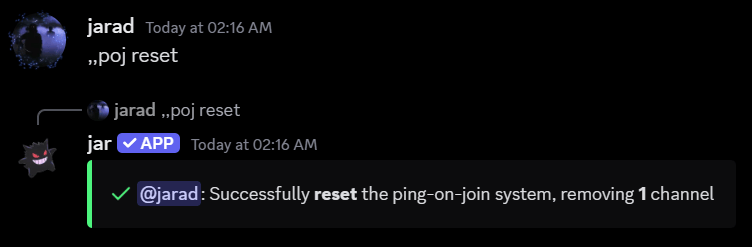
To reset the ping-on-join system, simply use thepingonjoin reset command. This will remove all the channels you’ve set up to ping.