Introduction
One of the most popular features, jar can automatically react to messages that contain specific keywords.Setting up a reaction trigger
To setup a reaction trigger, use thert add command, followed by the emoji and trigger you’d like to use.

Checking who made a reaction trigger
To check who made a reaction trigger, use thert owner command, followed by the trigger you’d like to check.

Listing all reaction triggers
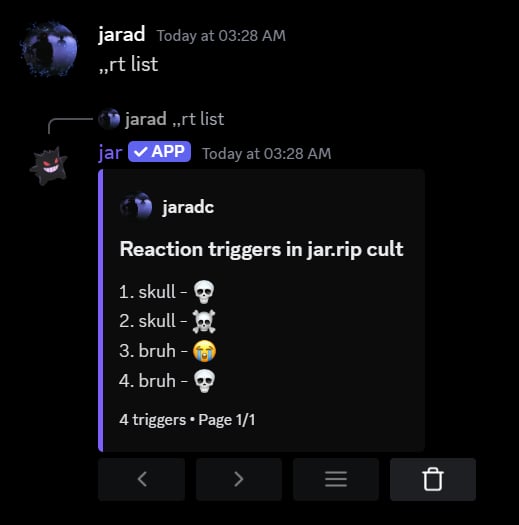
To list all reaction triggers in your server, use thert list command.
Removing a reaction trigger
To remove a reaction trigger, use thert remove command, followed by the emoji and trigger you’d like to remove.

Removing all reactions for a trigger
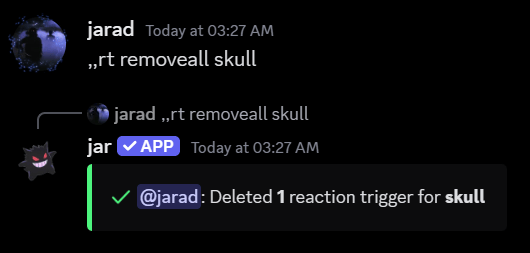
To remove all reactions for a trigger, use thert removeall command, followed by the trigger you’d like to remove all reactions for.
Resetting all reaction triggers
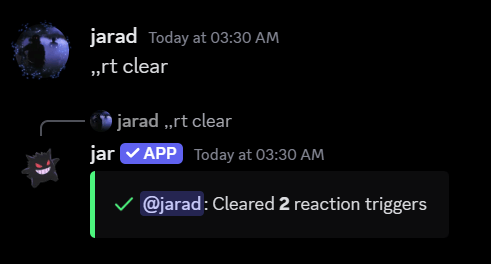
To reset all reaction triggers in your server, use thert reset command.